Public page
Before registering, you see the account entry point and the basic steps we ask for. The page keeps sensitive actions away until your own profile is created and ready.
A luck 57 account brings live tables, slots and sportsbook access into one signed-in lobby for supported regions in Pakistan. Open your account in seconds, complete the requested...
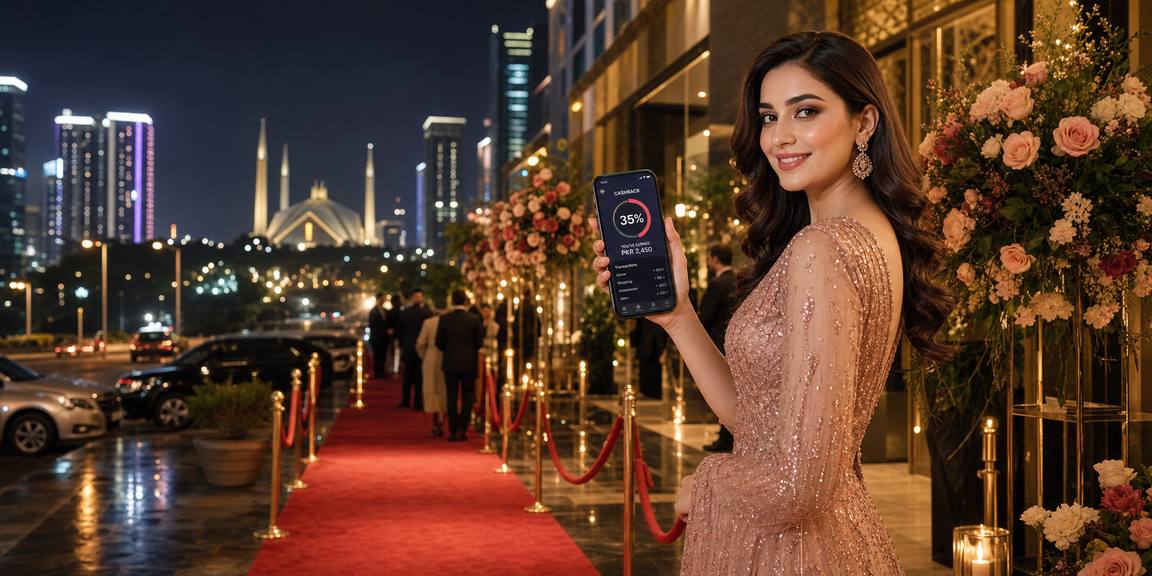
Registration starts with your mobile number, a working email address and a password you can keep private. We ask for details in stages so you can see what is needed before the account is fully active. If a verification prompt appears, complete it with matching details rather than opening another profile. Once your account is created, the cashier context appears beside the
lobby so you can connect the local rail that suits your Pakistan setup.
Your payment options — JazzCash, Easypaisa, SadaPay and Raast — appear after the account form and checks are complete. We place them inside the registered account area so...
We design registration so you know why each detail is requested. Your contact fields help with access recovery, cashier matching and alerts connected to your account. Where local...
We ask you to keep one luck 57 profile so account history, cashier references and support records stay together. If...
Your Pakistani mobile number is used for registration checks and account contact. Enter it carefully because it can also help...
Create a password you do not share elsewhere. We keep the login step separate from cashier actions, so account entry...
Some accounts need extra checks before full access is opened. If that happens, the request appears inside your account flow...
Registration is intended for supported regions where local law permits. If access is unavailable from your location, the account flow...
When you contact us about registration, we keep the conversation tied to your entered details. That makes follow-up simpler if...
The register page is more than a form; it separates public browsing from signed-in account control. Before registration, you see the entry path and basic brand context. After registration, the lobby, cashier...
Before registering, you see the account entry point and the basic steps we ask for. The page keeps sensitive actions away until your own profile is created and ready.
After registration, your lobby can open with account settings beside game access. This helps you adjust details, check prompts and move between sections without leaving your session.
Payment rails are linked after the account is recognised. That lets JazzCash, Easypaisa, SadaPay or Raast references sit against one profile instead of a loose browser visit.
If a verification code is required, it belongs to the registration attempt you started. Waiting for the code is better than refreshing repeatedly or opening a second account.
You can begin on mobile and return from another browser once the account exists. Use the same login details so our system connects you to the profile already created.
Some edits may be limited after registration to keep account records consistent. If a name, number or email was entered incorrectly, contact support before using cashier features.
A registered session lets us separate your account from other people using the same device. Always log out on shared phones or laptops after completing registration checks.
We keep the registration flow direct so you can tell where you are in the process. The page uses short prompts, visible field labels and account-focused messages instead...